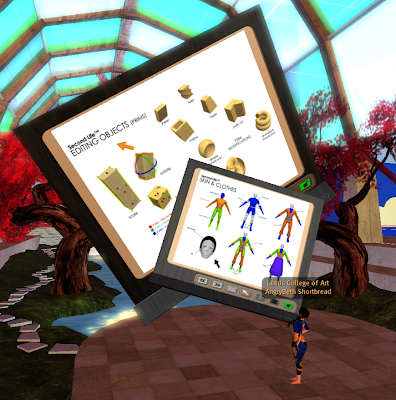
Its nearly been 3 years since I made my last
whiteboard, and I thought it was time to do some tweaking to make a more '
lighter' version.
This '
lighter' version removes the troublesome overlay tools, that seemed rarely used... and focused on just one 'Pointer'.
It uses the newish -
llDetectedTouch functions - which allows a user to touch anywhere on the image - and the pointer will move to it. This is so much more friendly than before, originally I had to take control of the avatar - and use arrow keys to move the pointer around, which was made worse when the SL client had the 'Release Keys' button removed.
The new whiteboard can also be turned to any angle, without effecting this function... again the original used sim co-ords, so you had to stick the Board either North,South,East or West facing, and soooo many people wanted it at 45 degrees in the corner of a room.
You can also 'Scale' the board to fit your place, without any adverse action to the
Aspect Ratio button on the board - which now set to be proportionate of the scaled board's size. So resize the board down to 2ms wide if you want it in your office, or keep it 10ms wide for the lecture hall.
It still keeps the most important thing though .... group access.Allowing other avatars to add images to the board by holding down the CTRL key while dragging images/textures over it and also allow other avatars to delete images from the board's slideshow.
A simple addition but it allows a group to add to and edit a group slideshow / photoessay.
If you are more of the didactic nature, you can always switch on the Lock, which only allows the Owner to work with the board.
So, just giving it a little roadtest first, and then in a week or so... put it out in the wild.


